
Generate and Set Cover Images Without Leaving the IDE
#cover-images#mcp#ai-tools#devlog#building-in-public#scsiwyg
David Olsson
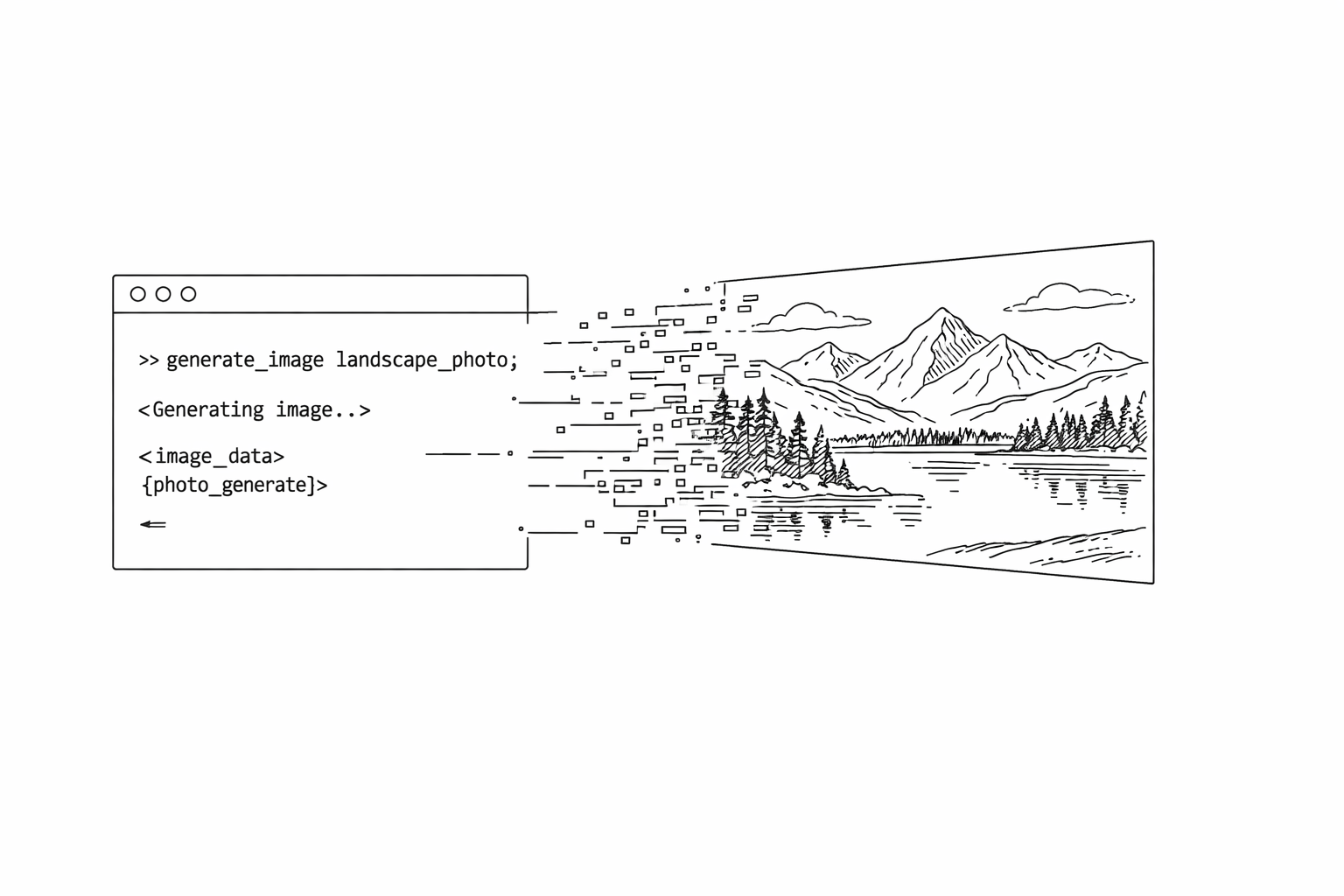
Visuals have always been the awkward part of headless blogging. You're writing in an IDE, your post is Markdown, and suddenly you need an image — which means leaving the IDE, opening a design tool or image search, downloading something, uploading it somewhere, copying a URL, and pasting it back. That's six steps that interrupt the flow.
We built two MCP tools to collapse that into one.
generate_image
Takes a text prompt and a filename. Uses DALL-E 3 under the hood. Uploads the result directly to Vercel Blob storage and returns a permanent URL ready to use anywhere.
Size options: 1536x1024 for landscape covers, 1024x1536 for portrait. Quality levels from low to high.
In practice: describe the image you want, get a URL back in the same conversation, use it.
cover_image on update_post
The update_post tool now accepts a cover_image field. This URL is stored as a first-class field on the post — separate from the body — and rendered consistently across every surface:
- Blog index listing cards
- The post page header
- RSS and JSON Feed entries
- oEmbed cards
- Social sharing metadata
This is different from pasting an image at the top of the post body. A body image shows up inside the post. A cover image represents the post. The distinction matters when your content gets embedded or shared — the cover is what other platforms see.
The full workflow
# In your IDE, in one conversation:

1. generate_image — describe the cover you want
   → returns a permanent URL

2. update_post with cover_image: <url>
   → cover is set, live immediately
No browser tabs. No Figma. No stock photo search. No separate upload step.
In practice
We tested this on the atomic-news blog this week: six sketch-style covers for six analytical pieces, all generated and set in a single Cursor session. The prompts were specific to each article's theme, the style was consistent across the set (thin-line editorial sketches), and the whole run took a few minutes.
The covers are now a permanent, searchable part of each post record. They travel with the post wherever it goes.
If you're on scsiwyg and haven't set covers on your posts yet, now there's no reason not to.