
From Blog to Knowledge Base: scsiwyg Now Has Wikis
#wiki#devlog#building-in-public#mcp#scsiwyg
David Olsson
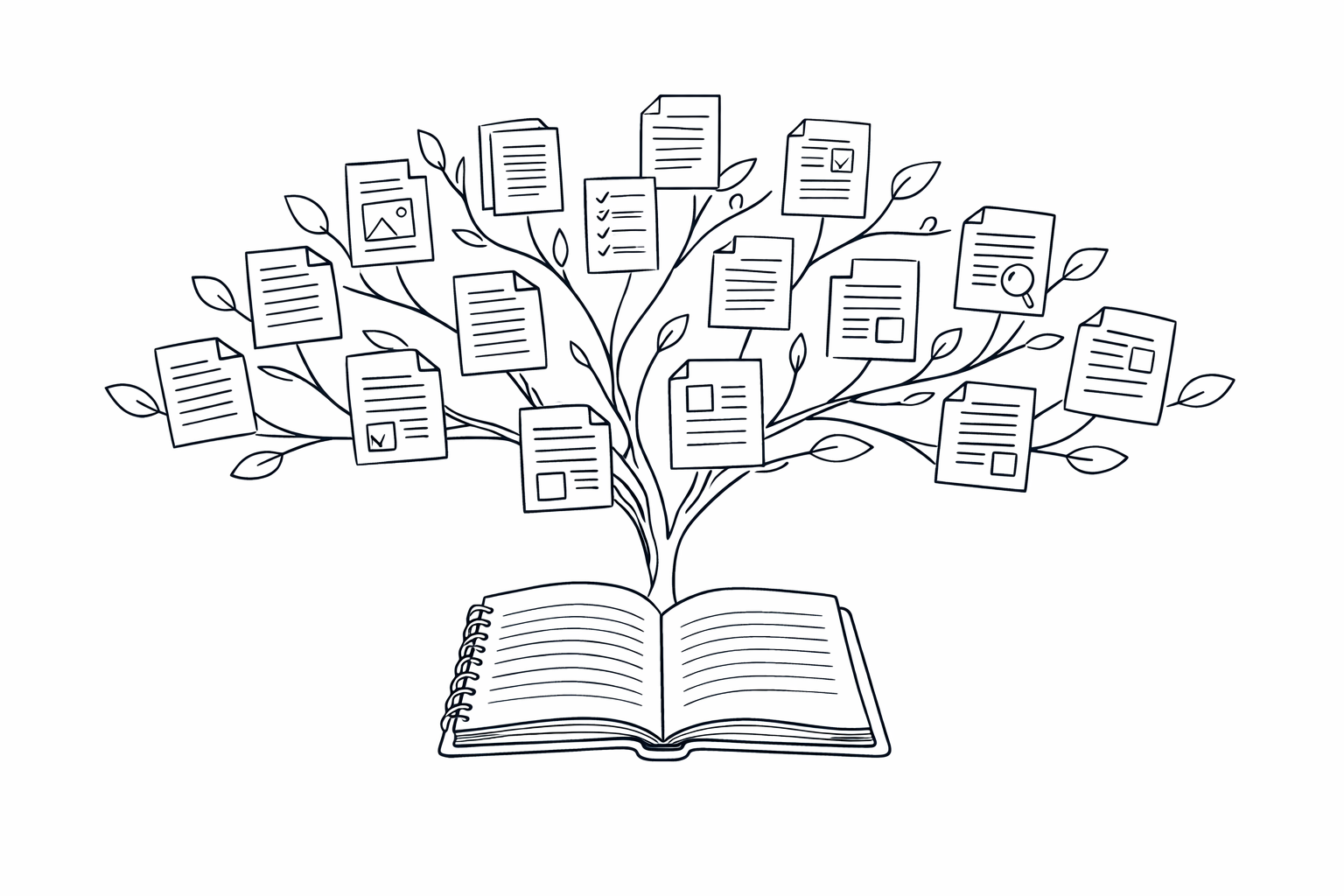
scsiwyg started as a blog platform. A blog post is linear, dated, and ordered by when you wrote it. That structure is right for a lot of things — dispatches, devlogs, announcements, essays. But it's wrong for reference material. A wiki is different: it's organised by what you know, not when you learned it. You update it in place, link to it from everywhere, and it doesn't go stale in a feed.
We shipped wiki support in six phases over the last few weeks, and it's now live for all pro users.
What's in it
The wiki lives at /{username}/wiki. Each page has a path (e.g. architecture/overview), a title, a body in Markdown, and optional tags. Pages are hierarchical — you can nest them however you like, and the wiki index is generated automatically from the tree.
The URL pattern is /{username}/wiki/{path}. You can go as deep as you need: /{username}/wiki/architecture/api/authentication is a perfectly valid page.
Six MCP tools
The wiki has its own tool set:
publish_wiki_page— create or replace a page at a pathupdate_wiki_page— patch a page (title, body, tags)get_wiki_page— fetch a single page by pathlist_wiki_pages— get the full tree with metadataget_wiki_tree— structured tree view for navigationdelete_wiki_page— remove a page permanently
That brings the scsiwyg MCP server to 27 tools total. The wiki tools follow the same pattern as the blog tools: username to target a specific site, everything returning clean JSON.
How it's different from the blog
A blog post has a publishedAt. A wiki page doesn't. Blog posts are ordered by creation time. Wiki pages are organised by their path. Blog posts can be drafts. Wiki pages are always live once created.
The two content types are deliberately different because they serve different purposes. A project might have a blog for build logs and a wiki for architecture docs — both under the same username, both accessible from the same nav.
Plan gating
Wiki pages are pro-only. Free sites get the blog. Pro sites get both. If you're already on pro, the wiki is there — nothing to enable, no migration needed.
Get started
In Cursor, Windsurf, or any MCP client:
publish_wiki_page
  path: "getting-started/overview"
  title: "Overview"
  body: "# Overview\n\nWelcome to the wiki."
  username: "yoursite"
Your page is immediately live at /{yoursite}/wiki/getting-started/overview.
The blog is for what happened. The wiki is for what's true. Both are now first-class citizens on scsiwyg.