
What a Host Does, What a Host Gets
#kairair#hosts#onboarding#diy#building-in-public#hardware
David Olsson
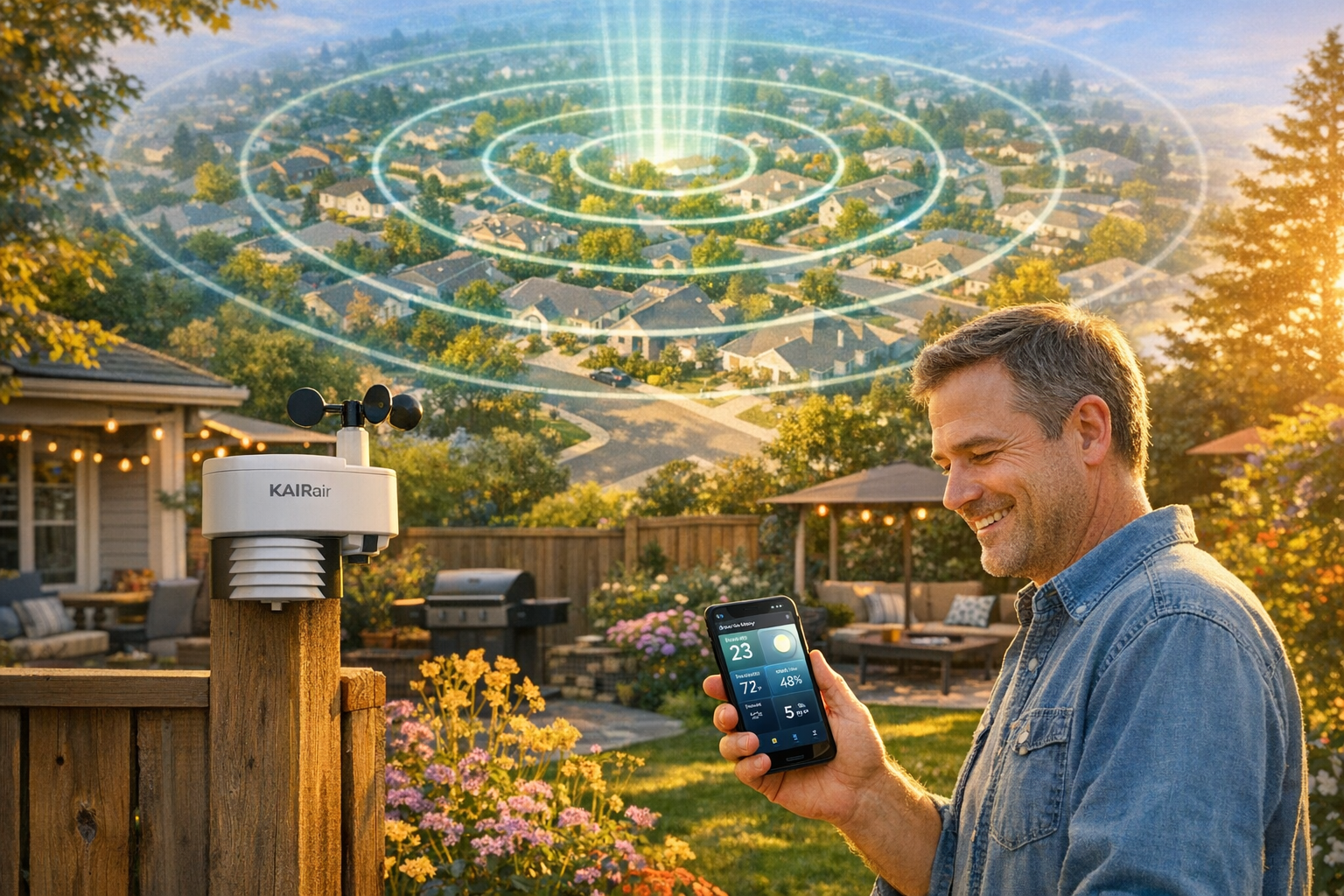
Everything in this series has been building toward one small, ordinary act: a person puts a station in their yard and plugs it in.
That's the whole network, really. Not the firmware, not the source of truth, not the signed updates — those are all in service of that one moment happening reliably, for someone who is not me, in a backyard I will never visit. A host is the atom KAIRair is made of. One host, one station, one patch of air, reporting.
So it's worth being precise about the deal. What does hosting actually ask of you? And what do you actually get?
two ways in
There are two front doors, because there are two kinds of person who'd want to host.
The first wants a thing that works. For them, the answer is a fully assembled kit — a station already built, wired, flashed, and tested, that shows up ready. No soldering, no pin maps, no firmware. You provide a windowsill or a spot outside and a way to power it. That's the path for someone who cares about having a station in the network, not about building one.
The second wants to build it. For them, KAIRair is a DIY project with real onboarding — the definitions, the generated wiring diagram, the bill of materials, and a guided path from a pile of parts to a working station. This is where the whole source-of-truth machinery pays off for someone other than me: the diagram you follow was generated from the same definition that generated the firmware, so if you wire it to match the picture, the firmware already expects exactly that wiring. The build can't quietly disagree with the instructions, because they came from the same place.
Same network, same station identity at the end, two honest paths in. Assembled for the person who wants the outcome; DIY for the person who wants the craft.
the build, when there is one
For the DIY path, there's a workflow behind the scenes that's worth naming, because it's unusual.
KAIRair's build process is a set of guided steps — identify the parts, derive and validate the wiring, generate the diagram, compile the matching firmware, flash it over USB, and run a boot-time self-test. And these steps aren't a PDF you interpret alone; they're assisted, driven by the same tooling the project uses on its own stations. The self-test is the part I love most: when a freshly built station first powers up, it checks itself — are the sensors responding, is the screen alive, did the expected hardware actually show up — and tells you, out loud, whether the build is good before you go mount it somewhere awkward.
That's the difference between "here are instructions, good luck" and onboarding. The station confirms its own health at the moment it's cheapest to fix. A DIY host doesn't have to wonder if they got it right. The station tells them.
the two minutes that matter
Assembled or DIY, every host hits the same final step, and it's the one that has to be effortless: getting the station onto their Wi-Fi and onto the map.
A brand-new station doesn't know your network. So it does the standard, friendly thing — it puts up its own little setup network you connect to from your phone, shows you a simple page, and asks which Wi-Fi to join and for the password. You pick your network, enter the password, and the station takes it from there: it joins your Wi-Fi, finds the backend, registers itself, and starts reporting.
Within about a minute, the station appears on the shared map at kairair.com. That moment — watching your own pin show up, live, with a real reading on it — is the payoff the whole system is engineered to deliver quickly and without drama. No app to install. No account gymnastics at the device. Connect, enter Wi-Fi, watch it appear.
Then you claim it, and it's yours.
what you get back
So that's what hosting asks: a spot, some power, two minutes of setup, and a claim. Modest. Here's the other side of the ledger — what you get for it.
You get your station on the map — a live pin in a real network, your patch of air sitting alongside everyone else's, contributing to a picture no single station could paint.
You get a station page — a real page for your device showing its hardware, its sensors, and every reading it captures, with history. Not a number that vanishes; a record. The thing that pile of bench boards never had: a memory, and an audience.
You get the live experience — and this is the part I'll spend the next-but-one post on. Each station has a full-screen, installable page that turns its live readings into an ambient scene you can pull up on your phone like an app. Your backyard's weather, rendered, in real time.
And you get ownership that means something — a claimed device that's yours, private by default, that you decide how much to share. You're not a data source for someone else's product. You're a host in a network, with a station that belongs to you.
That's the exchange. You give a corner of your yard and a couple of minutes. You get a real instrument, a permanent record, a living view of your own air, and a place in something larger than one sensor on one windowsill.
The bench boards measured the air and told no one. A hosted station measures the air and tells everyone who's looking — starting with you.
Part eight of the KAIRair build series. Previous: Claimed, and Private by Default. Next: your air is a service — the research API and the MCP that let anyone build on the network's data.